Skip to Content
← snippets
principles_&_takeaways
  • Aesthetic-Usability Effect

    Users often perceive aesthetically pleasing design as design that's more usable.

    CSS takeaway

    Use design tokens (CSS custom properties) for color, type scale, and spacing so the UI feels consistent and polished. Consistency reads as quality.

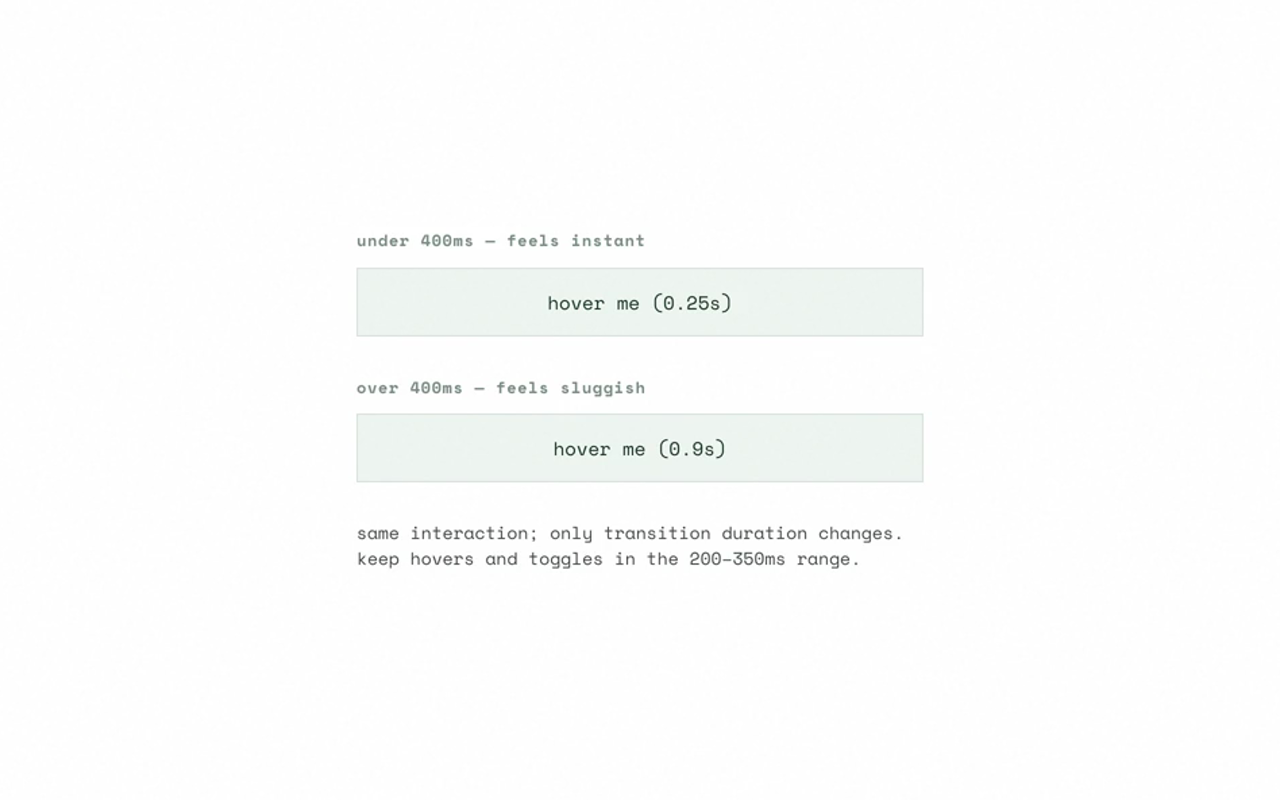
  • Doherty Threshold

    Productivity soars when a computer and its users interact at a pace (<400ms) that ensures that neither has to wait on the other.

    CSS takeaway

    Keep transition and animation duration under ~300–400ms for hover, focus, and toggle feedback so the system feels responsive.

  • Fitts's Law

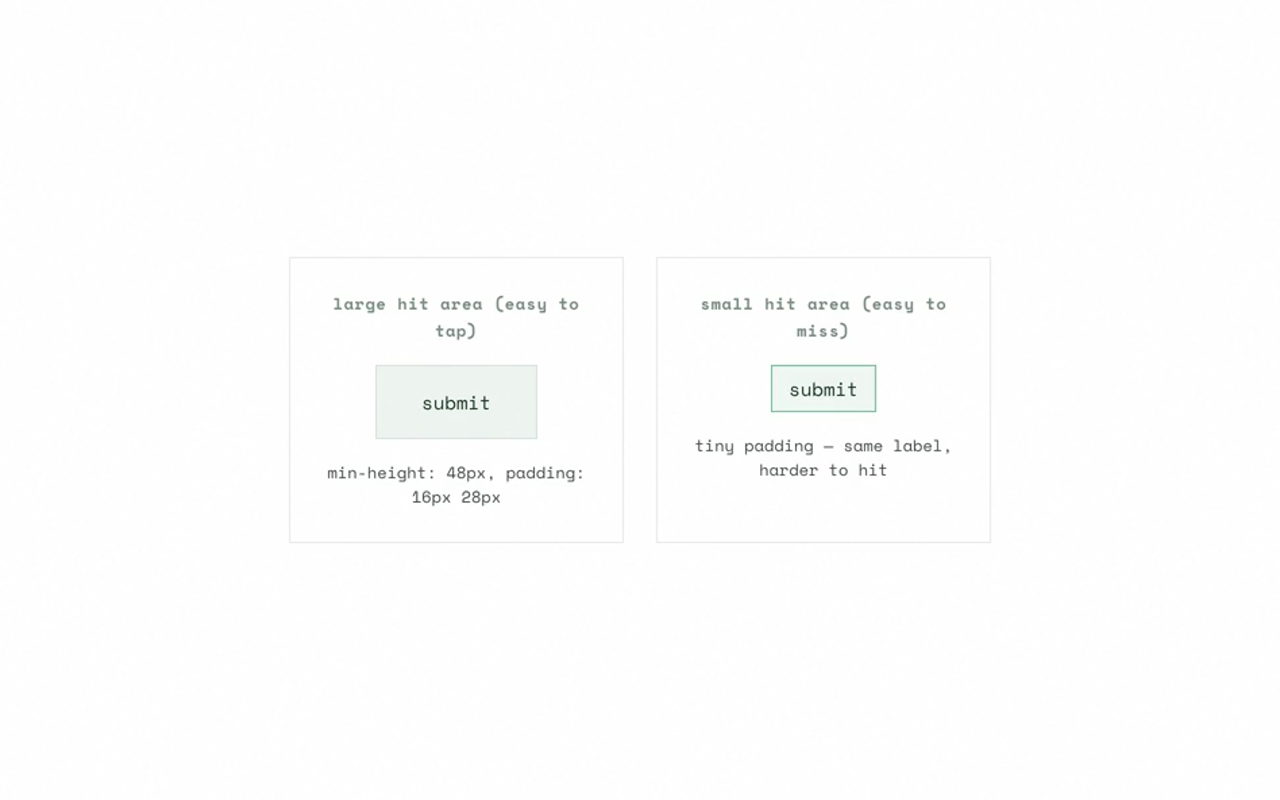
    The time to acquire a target is a function of the distance to and size of the target.

    CSS takeaway

    Use min-height/min-width (e.g. 44px for touch), padding to grow hit area without changing visual size, and gap to separate targets.

  • Hick's Law

    The time it takes to make a decision increases with the number and complexity of choices.

    CSS takeaway

    Progressive disclosure: use <details>/<summary> or show/hide with CSS to reduce visible options. Fewer choices at once.

  • Jakob's Law

    Users spend most of their time on other sites and prefer your site to work the same way.

    CSS takeaway

    Respect platform: -webkit-tap-highlight-color, :focus-visible for focus rings, and familiar spacing so interactions feel familiar.

  • Law of Proximity

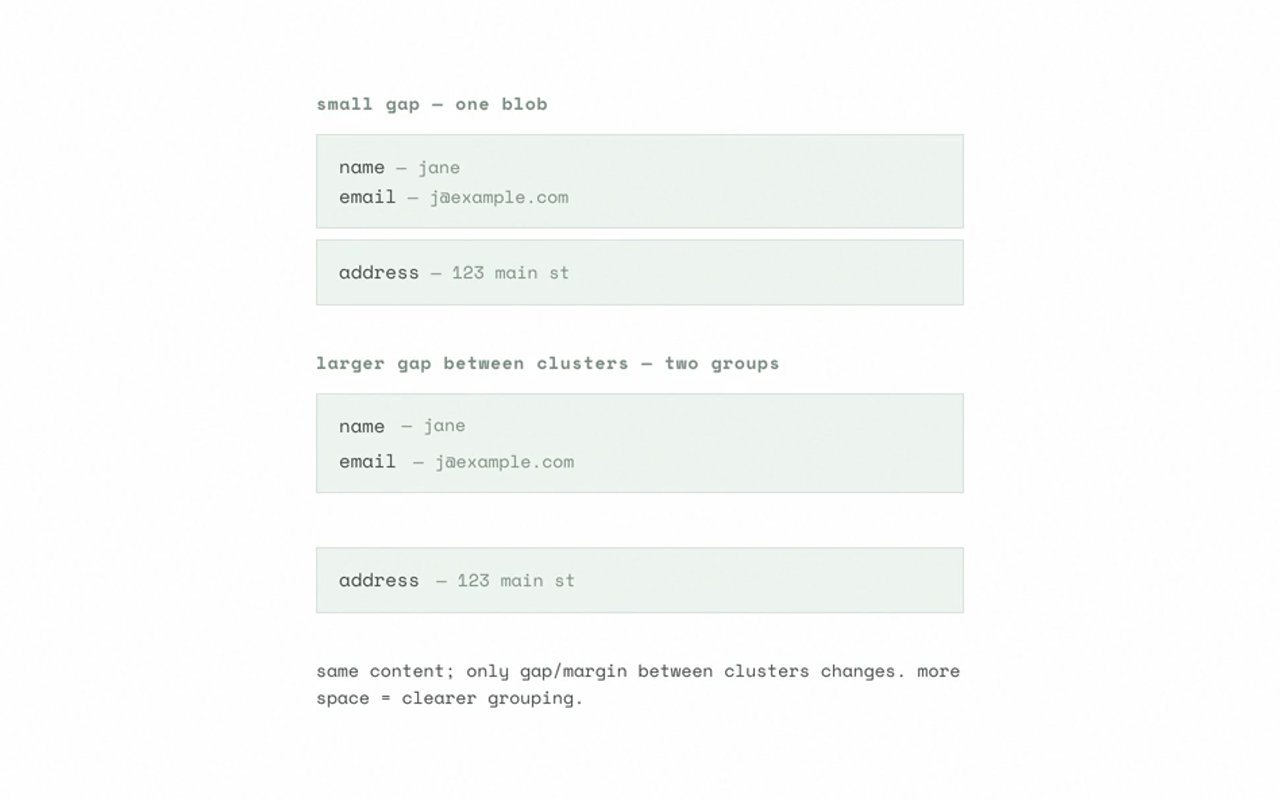
    Objects that are near each other tend to be perceived as grouped.

    CSS takeaway

    Use gap in flex/grid and margin to group related elements and separate groups. Spacing encodes hierarchy.

  • Law of Common Region

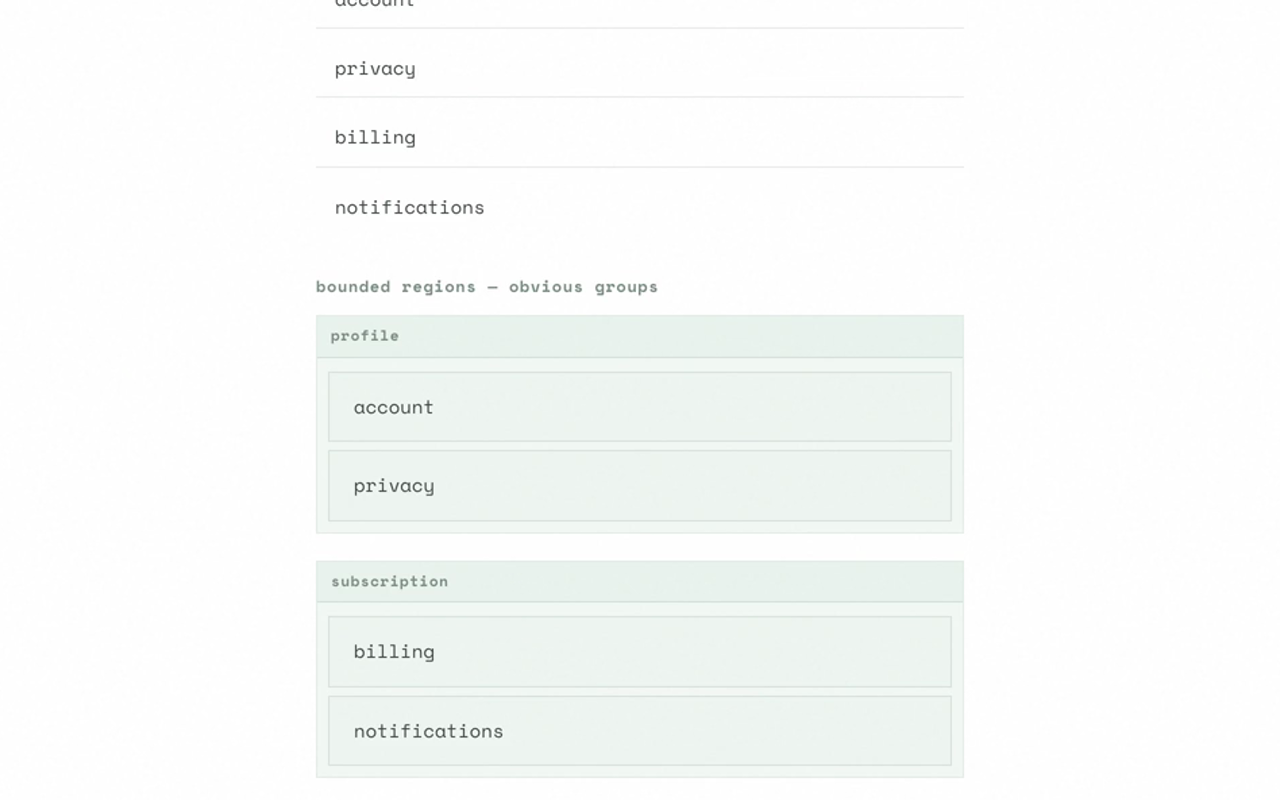
    Elements sharing a clearly defined boundary tend to be perceived as one group.

    CSS takeaway

    Use background, border, border-radius, or box-shadow to create regions (cards, sections, modals) so grouping is obvious.

  • Law of Similarity

    Similar elements are perceived as a complete picture or group.

    CSS takeaway

    Reuse the same classes and design tokens so similar function looks similar; reserve contrast for the primary action.

  • Miller's Law (Chunking)

    The average person can only keep 7 (±2) items in working memory.

    CSS takeaway

    Chunk with layout: use grid/flex + gap and borders or backgrounds to create 5–9 clear chunks (e.g. form sections, list groups).

  • Peak-End Rule

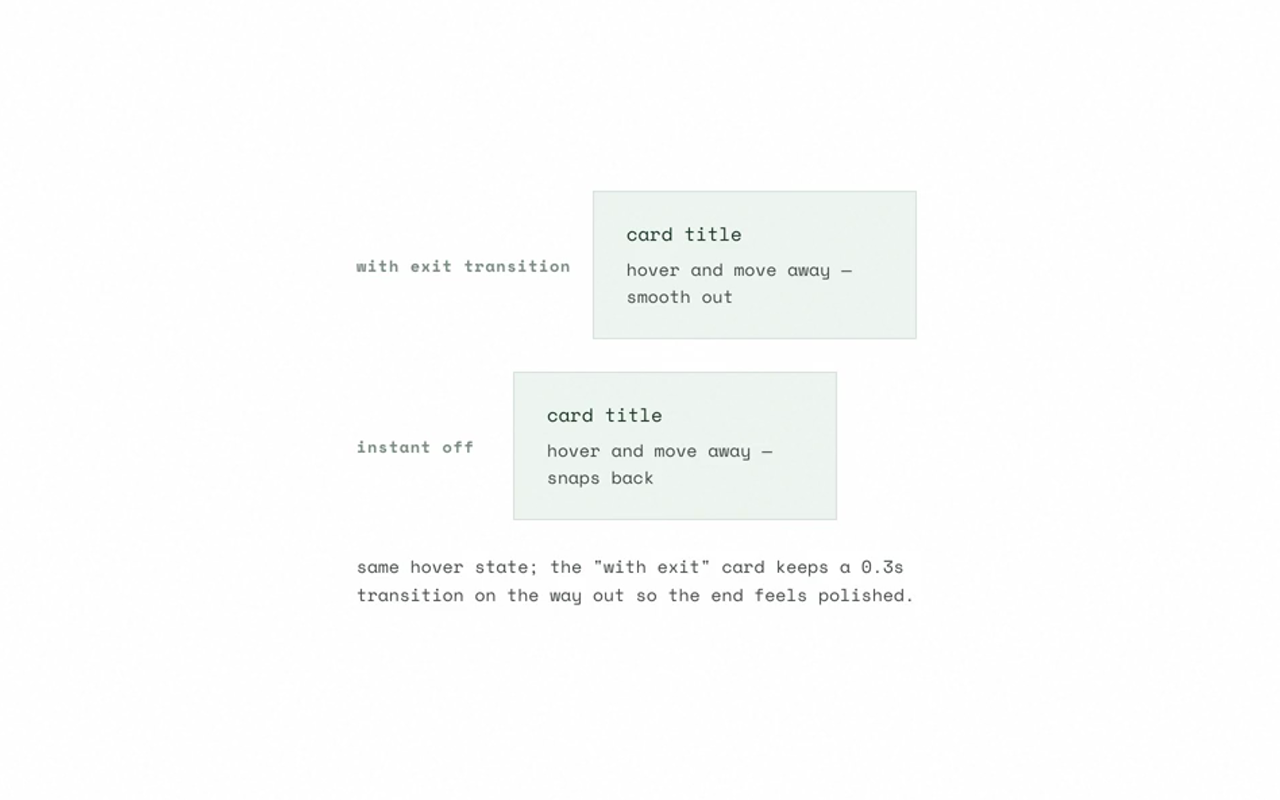
    People judge an experience by how they felt at its peak and at its end.

    CSS takeaway

    Add a short transition on exit (e.g. transition on state change) so the end of an interaction feels intentional, not abrupt.

  • Serial Position Effect

    Users best remember the first and last items in a series.

    CSS takeaway

    Use :first-child / :last-child or :nth-child(n of S) to emphasize start and end (e.g. stepper, list, breadcrumb).

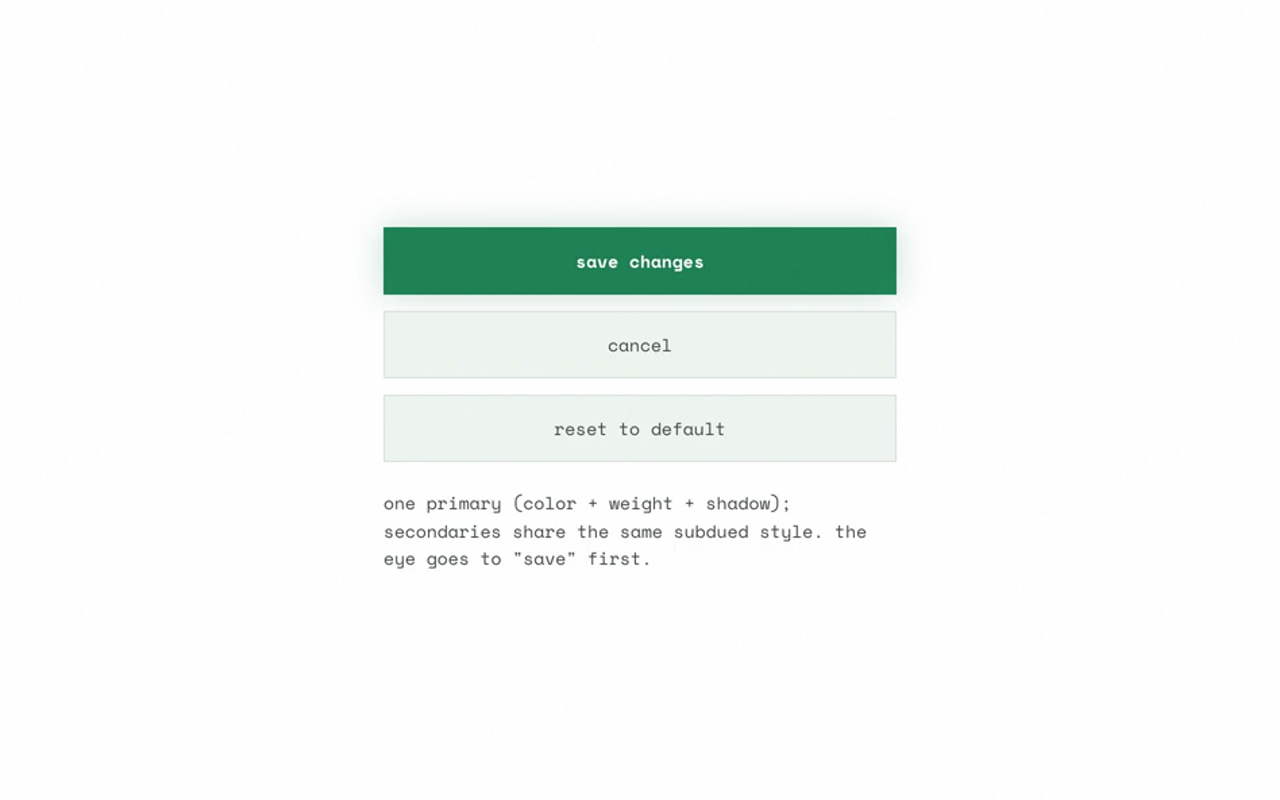
  • Von Restorff Effect

    When multiple similar objects are present, the one that differs is most likely to be remembered.

    CSS takeaway

    Style the primary CTA with contrast (color, font-weight, size, box-shadow); keep secondary actions visually similar.
  • Zeigarnik Effect

    People remember uncompleted or interrupted tasks better than completed ones.

    CSS takeaway

    Use progress indicators and clear incomplete-state styling (e.g. outline, accent border) so in-progress items are visible.